Every client. A clearer view.
Separate workspaces. Consistent ways of working.

Every client. A clear workspace.
Bring a repeatable process to each launch. Keep the client’s data, people, and destinations in their own place.
- Separate client workspaces
- Owner, editor, and viewer roles
- Consistent campaign naming
Little details.
A bigger difference.
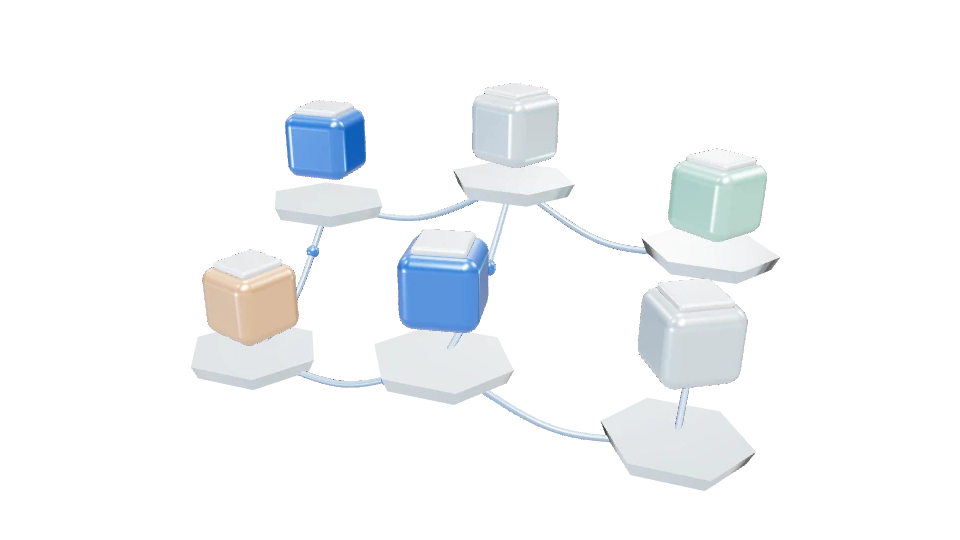
Use a workspace for each client. Workspace-specific domains, keys, links, and reports keep data separate, while account memberships let your team switch between its assigned workspaces.
Set up a workspace per client
Keep links, partners, API keys, domains, and measurement data scoped to the client. Switch between assigned workspaces in the console.
Give the right access
Use owner, editor, and viewer roles to control workspace actions. Use separate server and publishable keys for each client’s integrations.
Build repeatable reporting
Use the same campaign naming conventions across clients, then export each workspace’s events for client-specific reporting.
One link. More ways forward.
Choose a step to follow an example connection.
Give it a destination.
Choose the URL, readable slug, and campaign context.
Good questions.
Clear answers.
Can clients view their own reports?
Add an existing account holder as a viewer in the relevant workspace. Their access remains scoped to that client’s workspace.
Are API keys shared between clients?
No. Create separate server and publishable keys in each workspace. A key cannot read or write another workspace’s data.
Is there a combined agency billing account?
Not yet. Workspaces provide data and access separation. Consolidated agency billing and automated client provisioning are not included.